
Table of Contents
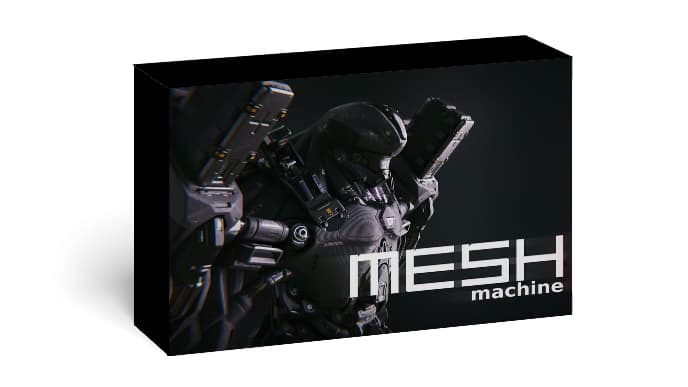
MESHmachine
MESHmachine is a versatile and powerful add-on specifically designed for the popular 3D modeling software, Blender. It offers a comprehensive set of tools and features that greatly enhance the mesh modeling workflow. With MESHmachine, users can effortlessly create smooth transitions, bevels, and insets on their meshes, giving their models a professional and refined appearance. The add-on also provides functionalities for bridge and fill operations, allowing users to easily connect open edges or fill holes in their meshes.
Additionally, MESHmachine includes a surface cleaner tool that assists in fixing problematic geometry by merging vertices and cleaning up unnecessary edges. It also offers a quad remeshing tool for achieving clean and organized quad-based topology, particularly useful for retopology tasks. Furthermore, MESHmachine integrates shrinkwrap and project tools to ensure precise fitting and alignment between different mesh components. Overall, MESHmachine is a valuable asset for Blender users, empowering them to create high-quality 3D models efficiently and effectively. See more BlenderGIS Addon
Essentially, MESHmachine solves the biggest problem with using Booleans: shading and topology. When you cut a Boolean block into a curved surface, the mesh often malfunctions, resulting in unsightly shading artifacts. MESHmachine provides tools to fix these errors instantly by adjusting normals instead of forcing you to manually retopologize the mesh.
In 2026, MESHmachine was optimized to run smoothly on the latest Blender 4.x and 5.x versions, with significantly faster performance on high-density meshes.
Features
- The “FUSE” Feature – The Magic of an Add-on
- If you had to choose one feature that makes MESHmachine for Blender the most worthwhile, it would be Fuse. Imagine you have two intersecting blocks forming a sharp edge. Blender’s standard Bevel command will often ruin the mesh if the topology isn’t aesthetically pleasing. With Fuse, MESHmachine will:
- Create a smooth, rounded surface connecting the two blocks.
- Automatically readjust the surrounding mesh for the best flow.
- Allow you to change the curvature and width of the rounded corner at any time (non-destructive).
- Unfuse and Refuse – Turning Back Time
- What makes it magical is the “Unfuse” capability. You can turn a rounded edge back to its original sharp edge for editing, then “Refuse” to round it again. This flexibility is impossible with the traditional Bevel process.
- Edge Loop-based Modeling: allows you to create and manipulate edge loops easily. You can add, modify, slide, and remove edge loops with precision.
- Bevels: you can create complex bevels on your meshes. It provides advanced bevel functionality with options for controlling segments, profiles, and loop weights.
- Quad Bevels:introduces the concept of Quad Bevels, which allows you to create bevels with only quads, ensuring clean topology.
- Booleans: provides a powerful boolean workflow. You can perform boolean operations like union, difference, and intersection between mesh objects and create complex shapes.
- Fillets and Rounds: allows you to create smooth fillets and rounds on hard edges. You can adjust the fillet radius and control the number of subdivisions.
- Transition Surfaces: you can create smooth transitions between different surface types. It provides tools to create and manipulate transition surfaces accurately.
- Symmetry: offers symmetrical modeling capabilities. You can model one side of an object and automatically generate the symmetrical counterpart.
System requirements
- 64-bit dual-core 2Ghz CPU with SSE2 support
- 4 GB RAM
- 1280 × 768 screen
- Mouse, touchpad or pen + tablet
- Graphics card with 1 GB RAM, OpenGL 3.3
- Blender version 3.5, 3.6, 4.1, 4.2, 5.0
MESHmachine Free Download
MESHmachine v0.20.0
MESHmachine 0.19.1 for Blender
Render Collection
Password: 321





