
Table of Contents
Auto-Highlight in Outliner
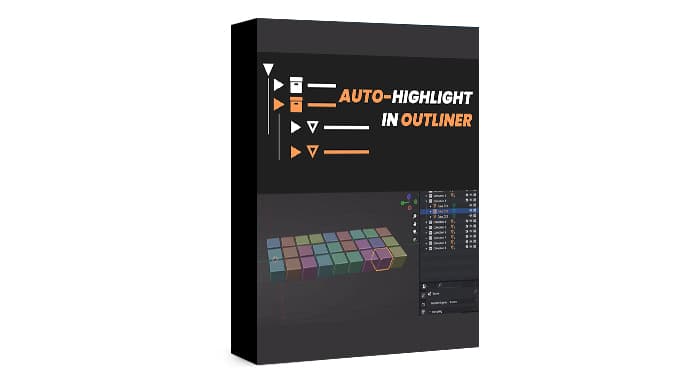
Auto-Highlight in Outliner is an addon for Blender’s Outliner that was developed in response to a request by a member of the Blender community. It streamlines your workflow by automatically expanding the Outliner to show the selected object whenever you click on it in the 3DView.
While Blender does have a button to expand the Outliner to show the selected object, it requires an extra button press each time. With the Auto-Highlight in Outliner addon, this process is automated, saving you time and effort in navigating a large scene with many objects.
Features
- Move objects and collections easily. No more endless scrolling and dragging to add objects to faraway collections and having to select all the hierarchy.
- Create and move to active. Similar to the above, but it creates a collection first and then moves the objects into it.
- Sync Colors by Collection. Great for quickly distinguishing objects based on their collections.
- Sync active object in the outliner. Stop wasting time searching for an object in the Outliner or viewport by keeping it centered automatically.
- Match viewport visibility to render’s. Avoid losing time trying to find that elusive object that only shows up in the render.
- Quick rename by collection. Rename a group of objects effortlessly without wasting time (this is only for the lazy)
System requirements
- 64-bit dual-core 2Ghz CPU with SSE2 support
- 4 GB RAM
- 1280 × 768 screen
- Mouse, touchpad or pen + tablet
- Graphics card with 1 GB RAM, OpenGL 3.3
- Blender version 3.3, 3.4, 3.5, 3.6, 4.0, 4.2, 4.3
Auto-Highlight in Outliner Free Download
Outliner Pro v0.1.1
Auto-Highlight in Outliner v3.8.5 for Blender
Auto-Highlight in Outliner v3.5.0 for Blender
Render Collection





